

 README

README

Total Commander FTP password recovery (Go)
Total Commander (formerly known as Windows Commander) is a classic file manager for Windows, Windows CE, Windows Phone, and now also Android.
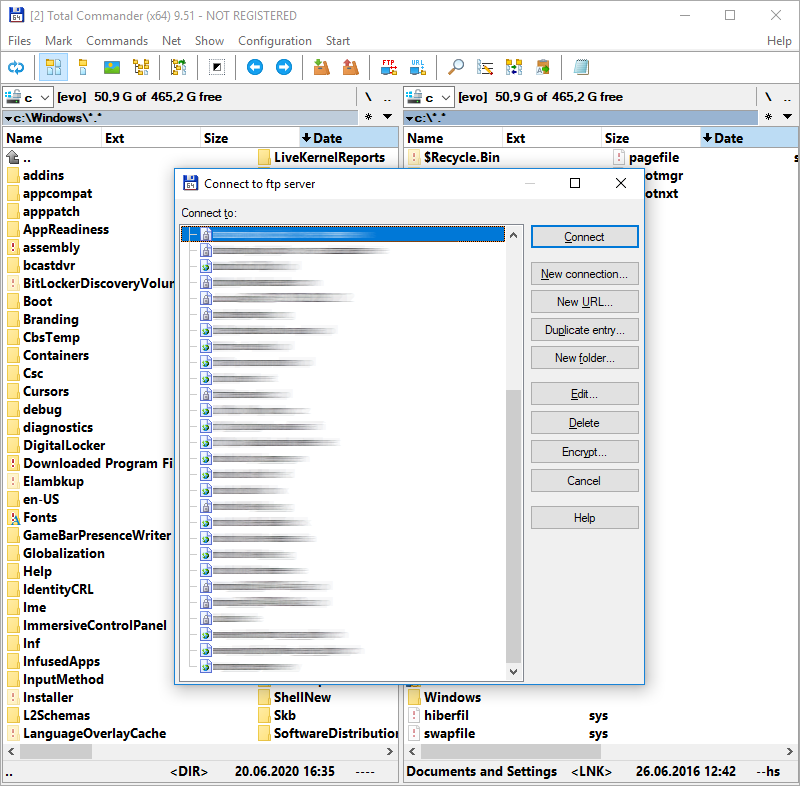
Total Commander has a built-in FTP/FXP client and it keeps the FTP logins and encrypted passwords in wcx_ftp.ini configuration file.
I have reverse engineered and recreated the password decoding algorithm years ago.
It was made available by me to another FlashFXP software to import FTP connection profiles from Total Commander.
I give you source codes for both the original assembly decoding algorithm and a Go implementation of this algorithm.
Total Commander Online Password Decoder
You can either use one of the provided source codes or use my own online implementation to make things faster:
https://www.pelock.com/products/total-commander-ftp-password-recovery
Installation
The preferred way to install the library is via Go modules.
go get github.com/PELock/Total-Commander-FTP-Password-Recovery-Go
The module path is github.com/PELock/Total-Commander-FTP-Password-Recovery-Go.
Usage examples
Example — simple/main.go
/******************************************************************************
 * Total Commander FTP Password Recovery usage example.
 *
 * Version        : v1.0.1
 * Language       : Go
 * Author         : Bartosz Wójcik
 * Web page       : https://www.pelock.com
 *
 *****************************************************************************/

package main

import (
	"encoding/hex"
	"fmt"
	"os"

	totalcommanderftppasswordrecovery "github.com/PELock/Total-Commander-FTP-Password-Recovery-Go"
)

func main() {
	const cipherHex = "00112233445566778899aabbccddeeff"
	decoder := totalcommanderftppasswordrecovery.New()
	plain, err := decoder.DecryptPassword(cipherHex)
	if err != nil {
		fmt.Fprintln(os.Stderr, "Decode failed.")
		os.Exit(1)
	}
	fmt.Println(string(plain))
	fmt.Println("hex: " + hex.EncodeToString(plain))
}
See the examples/ directory in this repository for complete samples.
References
- Total Commander FTP Password Recovery (article / online tool)
- Source code recovery / reverse engineering services
Author
Bartosz Wójcik
- Visit my site at — https://www.pelock.com
- X — https://x.com/PELock
- GitHub — https://github.com/PELock
 Documentation

Documentation

Index 
Constants 
This section is empty.
Variables 
This section is empty.
Functions 
func HexStringToByteArray 
HexStringToByteArray decodes an even-length hex string. Returns nil on invalid input.
Types 
type Decoder 
type Decoder struct {
	// contains filtered or unexported fields
}
Decoder decrypts Total Commander FTP passwords stored in wcx_ftp.ini. Checksum validation present in Total Commander is not implemented here.
func (*Decoder) DecryptPassword 
DecryptPassword decrypts hex ciphertext and returns UTF-8/raw plaintext bytes.
func (*Decoder) DecryptPasswordString 
DecryptPasswordString decrypts hex ciphertext to a Latin-1 string (matches PHP chr() output).
func (*Decoder) NextRandMax 
NextRandMax advances seed = seed*0x8088405+1 and returns the high 32 bits of seed*nMax.
 Source Files
 Directories