

 README

README

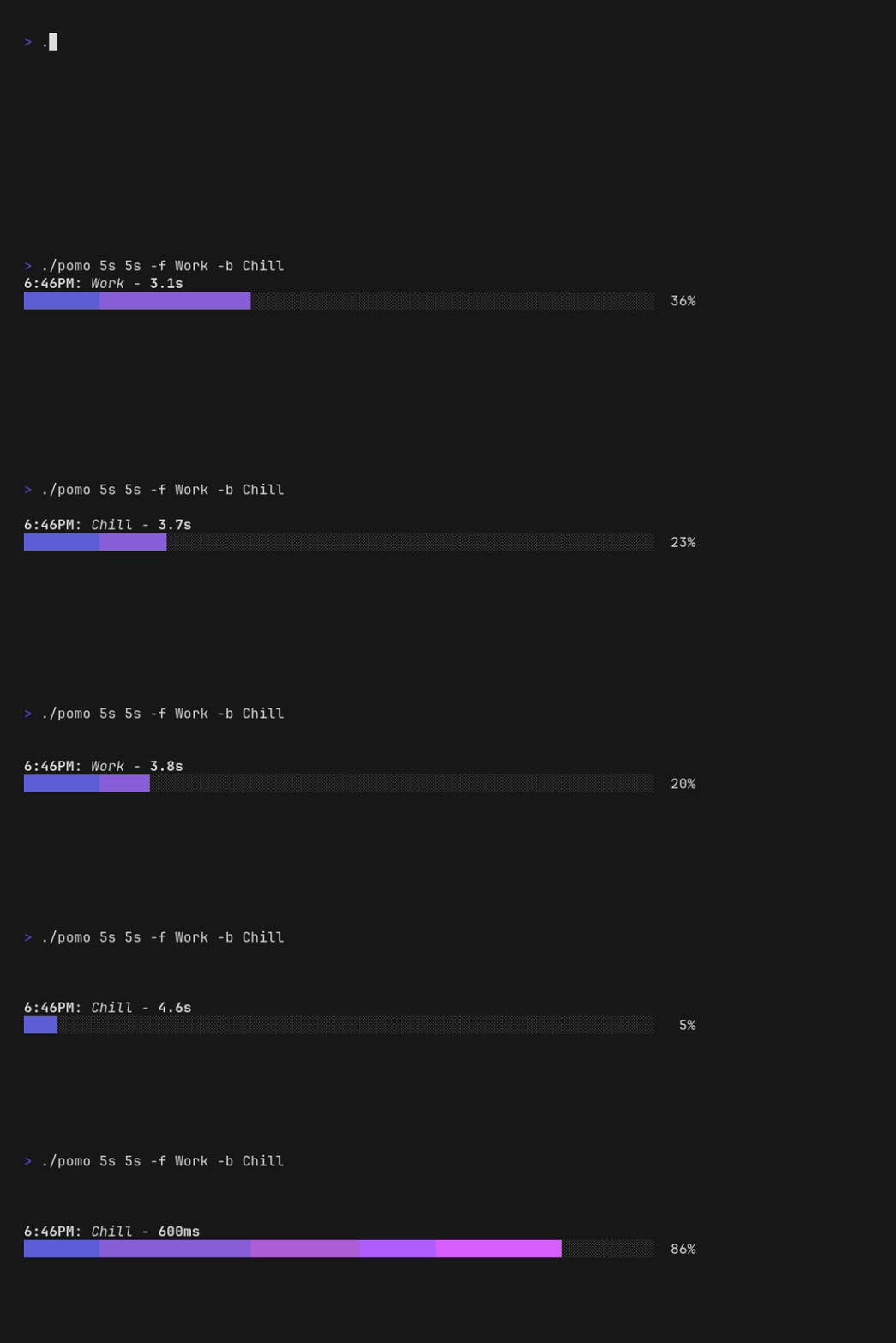

Pomo
A fancier way to do Pomodoro.
Pomo is a small CLI tool that helps you manage your Pomodoro routine. It is a small edit to the timer tool by caarlos0
Usage
pomo <Focus Duration> <Break Duration>
pomo -f <Focus Title> -b <Break Title> <Focus Duration> <Break Duration>
man pomo
pomo --help
Several other flags are available:
-amakes the timer take up the whole terminal-n=falsedisables the default system notifications-swill cause a short beep to play when the timer finishes- On Linux sounds require permission to access
/dev/tty0or/dev/input/by-path/platform-pcspkr-event-spkrfiles for writing, andpcspkrmodule must be loaded. User must be in correct groups, usuallyinputand/ortty. - On macOS, you must enable
Audible bellin Terminal --> Preferences --> Settings --> Advanced. - Note that on some platforms a sound will be included with a desktop notification, making this unnecessary.
- On Linux sounds require permission to access
You can pause the timer with the space bar.
It is possible to pass a time unit for <Duration>.
Valid time units are "ns", "us" (or "µs"), "ms", "s", "m", "h". If no unit is passed, it defaults to seconds ("s").
Install
manually:
Download the pre-compiled binaries from the releases page or clone the repo build from source.
Badges




 Documentation

Documentation


There is no documentation for this package.
 Source Files
Click to show internal directories.
Click to hide internal directories.