

 README

README

Edward 


Web editor used in Cloud Commander based on Ace.
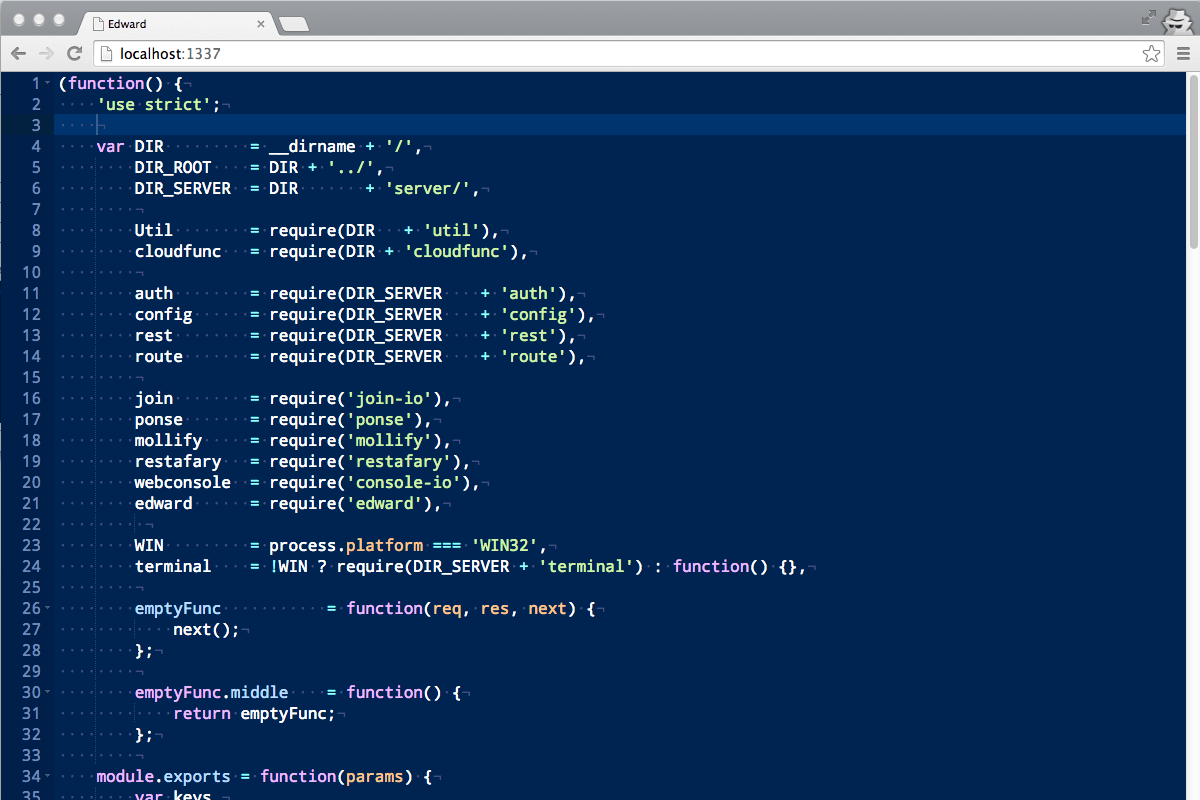
Features
- Syntax highlighting based on extension of file for over 110 languages.
- Built-in
emmet(for html files) - Drag n drop (drag file from desktop to editor).
- Built-in
jshint(with options in.jshintrcfile, could be overriden by~/.jshintrc) - Built-in beautifier (with options in json/beautify.json, could be overriden by
~/.beautify.json) - Configurable options (json/edit.json could be overriden by
~/.edward.json)
Install
npm i edward -g

Command line parameters
Usage: edward [filename]
| Parameter | Operation |
|---|---|
-h, --help |
display help and exit |
-v, --version |
output version information and exit |
Hot keys
| Key | Operation |
|---|---|
Ctrl + s |
save |
Ctrl + f |
find |
Ctrl + h |
replace |
Ctrl + g |
go to line |
Ctrl + b |
beautify js, css or html |
Ctrl + m |
minify js, css or html |
Ctrl + e |
evaluate (JavaScript only supported) |
For more details see Ace keyboard shortcuts.
API
Edward could be used as middleware for express. For this purpuse API could be used.
Server
edward(options)
Middleware of edward. Options could be omitted.
var edward  = require('edward'),
    express = require('express'),
    app     = express();

app.use(edward({
    minify  : true,  /* default */
    online  : true,  /* default */
    diff    : true,  /* default */
    zip     : true,  /* default */
    authCheck: function(socket, success) { /* optional */
    }
}));

app.listen(31337);
edward.listen(socket)
Could be used with socket.io to handle editor events with.
var io      = require('socket.io'),
    socket  = io.listen(server);

edward.listen(socket);
Client
Edward uses ace on client side, so API is similar.
All you need is put minimal html, css, and js into your page.
Minimal html:
<div class="edit" data-name="js-edit"></div>
<script src="/edward/edward.js"></script>
Minimal css:
html, body, .edit {
    height: 100%;
    margin: 0;
}
Minimal js:
edward('[data-name="js-edit"]', function(editor) {
    editor.setValue('Hello edward!');
});
For more information you could always look around into assets and bin directory.
License
MIT
 Directories

Directories

| Path | Synopsis |
|---|---|
|
modules
|
|
|
ace-builds/demo/kitchen-sink/docs
command
Concurrent computation of pi.
|
Concurrent computation of pi. |
Click to show internal directories.
Click to hide internal directories.