

 README

README


HermitMQ
High performance lightweight zero dependency message broker written in Go


Installation (Ubuntu / Debian amd64)
cd /tmp/
wget https://github.com/ekhidirov/hermitmq/releases/latest/download/hermitmq_amd64.deb
sudo apt install -y ./hermitmq_amd64.deb
sudo systemctl status hermitmq
Watch the Demo
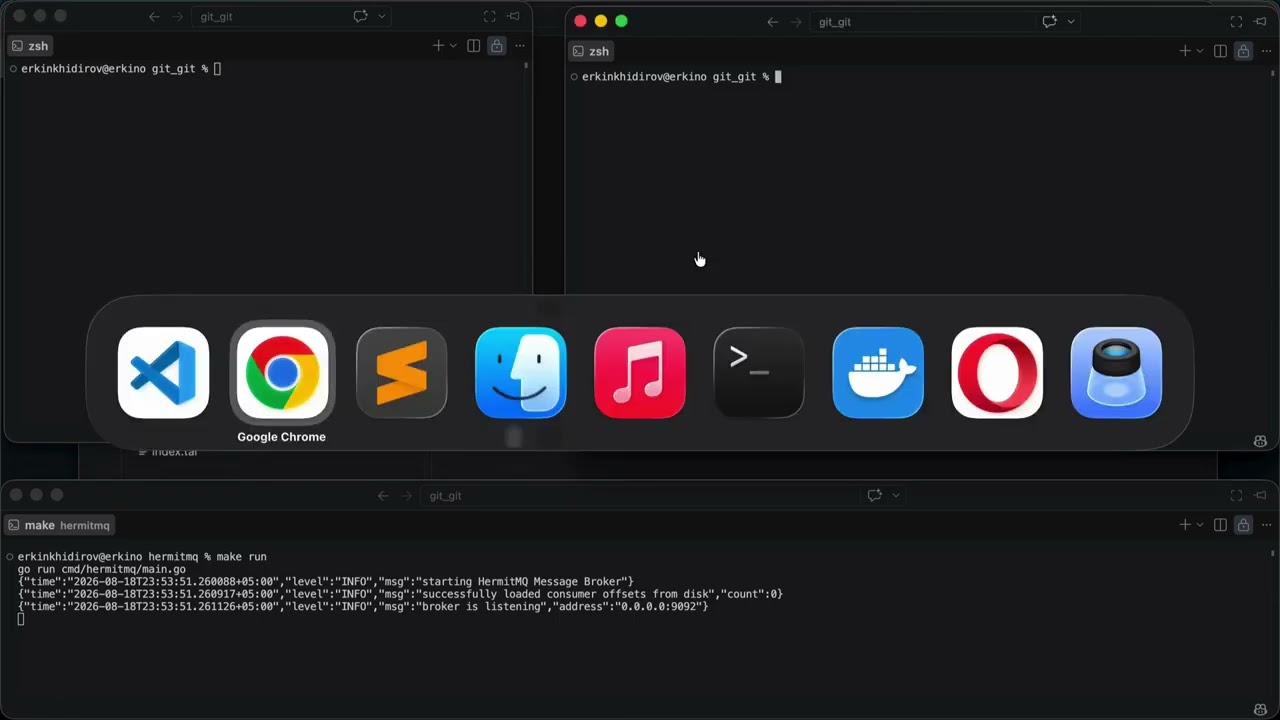
See HermitMQ in action: from installation to pushing 1,000,000 messages in seconds.
HermitMQ is a fast custom built message broker designed for high load architectures it completely avoids the overhead of large serialization frameworks like json or protobuf during routing by using a strict custom binary protocol it achieves extreme throughput through zero copy network transmissions and aggressive memory pooling.
1. Key Features
- Uses
io.CopyNdirectly from the Write Ahead Log to the TCP socket, bypassing user space memory buffers. - Achieves 2-4 allocs/op during active streaming thanks to
sync.Pool. - Ultra lightweight 29-byte fixed header layout. (See Protocol Spec).
- Elegant, ready to use Go client for Producers and Consumers.
- Built in payload size limiters (default 50MB) and strict magic byte validation to drop malicious connections early.
- Multi stage, ultra lightweight Alpine container.
2. Benchmarks
Hardware: Apple M1 (Tested locally via
make stress-consumerandmake stress-producer)
| Metric | Result | Notes |
|---|---|---|
| Max Throughput | ~3.4 GB/sec (3,452 MB/s) | Zero copy reading from disk to socket. |
| Messages / Sec | ~2,000,000 msg/sec | 100 message batching strategy. |
| Publishing Speed | 1,000,000 msgs in 335ms | 10 concurrent producers. |
| Memory Allocations | 2 allocs/op | Near zero GC pressure during heavy load. |
3. Quick Start
3.1 Docker
The easiest way to run HermitMQ is using Docker Compose.
# Clone the repository and navigate into the project directory
git clone https://github.com/ekhidirov/hermitmq.git
cd hermitmq

# Start the broker in the background
make docker-up
Once the container is running and listening on port 9092, you can immediately test the connection from your host machine using the built in clients.
Open two new terminal windows.
In the first terminal, start the consumer:
go run cmd/consumer/main.go
In the second terminal, start the producer and type a message:
go run cmd/producer/main.go
When you are done testing, you can easily stop and remove the containers:
# Stop the broker
make docker-down
3.2 Local Development
Requires Go 1.25+.
# Clone the repository and navigate into the project directory
git clone https://github.com/ekhidirov/hermitmq.git
cd hermitmq

# Install dependencies
go mod tidy

# To run all tests with the Go race detector enabled, execute:
make test

# Run the broker locally
make run
Once the broker is running locally, open two new terminal windows to test the connection.
In the first terminal, start the consumer:
go run cmd/consumer/main.go
In the second terminal, start the producer and type a message:
go run cmd/producer/main.go
Type a message like Hello world! in the producer's terminal and press Enter. You will instantly see it appear in the consumer's terminal!
3.3 Using the Client SDK
HermitMQ comes with a clean, built in Go SDK located in pkg/client.
3.3.1. Producer Example:
package main

import (
	"fmt"
	"hermitmq/pkg/client"
)

func main() {
	producer, _ := client.NewProducer("127.0.0.1:9092", "chat_messages", 0)
	defer producer.Close()

	offset, err := producer.Send([]byte("Hello from HermitMQ!"))
	if err == nil {
		fmt.Printf("Message saved at offset: %d\\n", offset)
	}
}
3.3.2. Consumer Example:
package main

import (
	"fmt"
	"hermitmq/pkg/client"
)

func main() {
	consumer, _ := client.NewConsumer("127.0.0.1:9092", "my-group", "chat_messages", 0)
	defer consumer.Close()

	for {
		msg, err := consumer.Receive()
		if err != nil {
			break
		}
		fmt.Printf("[Offset: %d] Payload: %s\\n", msg.Offset, string(msg.Payload))

		// Optional: Commit read progress to the broker
		// consumer.Commit(msg.Offset)
	}
}
4. Testing & Utilities
The project includes a Makefile with built in stress testing tools.
# Run unit tests with Race Detector
make test

# Run disk and network benchmarks
make bench
4.1 Extreme Load Tests
To test maximum throughput, open 3 separate terminals:
make run               # Terminal 1: Broker
make stress-consumer   # Terminal 2: Consumer (Waits for 1M messages)
make stress-producer   # Terminal 3: Producer (Sends 1M messages)
5. Architecture
HermitMQ uses a topic partition model. Each partition maps to physical .wal and .idx (Index) files on disk in the hermitmq-data directory.
The broker enforces at least once delivery. Consumer offsets are durably committed back to the cluster in a specialized, automatically compacted __consumer_offsets topic.
6. License
This project is licensed under the MIT License - see the LICENSE file for details.
 Directories

Directories

| Path | Synopsis |
|---|---|
|
cmd
|
|
|
consumer
command
|
|
|
hermitmq
command
|
|
|
producer
command
|
|
|
spam_consumer
command
|
|
|
spam_producer
command
|
|
|
internal
|
|
|
pkg
|
|