

 README

README

Posta





Posta is a self-hosted email delivery platform that allows applications to send emails through HTTP APIs while Posta manages SMTP delivery, templates, storage, security, and analytics.
It provides a developer-friendly and fully self-hostable alternative to services such as SendGrid, and Mailgun.
Send Your First Email
Example request:
curl -X POST http://localhost:9000/api/v1/emails/send \
  -H "Authorization: Bearer YOUR_API_KEY" \
  -H "Content-Type: application/json" \
  -d '{
    "from": "hello@example.com",
    "to": ["user@example.com"],
    "subject": "Hello from Posta",
    "html": "<h1>Hello!</h1>"
  }'
Response:
{
  "id": "email_01J8C8E5W3",
  "status": "queued"
}
Features
Email Delivery
-
HTTP Email API Send single, batch, or template-based emails via REST endpoints.
-
Scheduled Delivery Queue emails for delivery at a specified time.
-
Asynchronous Processing Background workers process email queues using Redis and Asynq with priority tiers (transactional, bulk, and low-priority).
-
Automatic Retry Failed emails are retried automatically with configurable retry limits per SMTP server.
-
Development Mode Store and preview emails in the dashboard without sending them.
Templates
-
Versioned Templates Create multiple template versions with a selectable active version.
-
Multi-language Support Templates support language-specific versions with variable substitution.
-
Managed Stylesheets Stylesheets are automatically inlined for email client compatibility.
-
Template Preview Render and preview templates directly from the dashboard.
-
Template Import / Export Export templates as JSON and import them across environments.
SMTP and Domain Management
-
Multiple SMTP Servers Configure multiple SMTP servers per user with SSL or STARTTLS support.
-
Shared SMTP Pool Administrators can define shared SMTP servers available to all users.
-
Domain Verification Verify domain ownership via DNS records including SPF, DKIM, and DMARC.
-
Verified Sending Enforcement Optionally restrict sending to verified domains only.
Security and Authentication
-
API Key Authentication Secure API keys with hashing, prefix identification, expiration, IP allowlisting, and revocation.
-
Dashboard Authentication JWT-based authentication with role-based access control.
-
Two-Factor Authentication TOTP-based 2FA setup and verification.
-
Rate Limiting Redis-backed hourly and daily email limits per user.
Contacts and Suppression
-
Contact Management Automatically track recipients with send and failure statistics.
-
Contact Lists Organize recipients into reusable mailing lists.
-
Bounce Tracking Track hard bounces, soft bounces, and complaints.
-
Automatic Suppression Automatically suppress recipients based on bounce behavior.
Events and Webhooks
-
Webhooks Subscribe to events such as
email.sentandemail.failed. -
Audit Logs Track platform and user activity with filtering and real-time streaming using Server-Sent Events.
Analytics and Monitoring
-
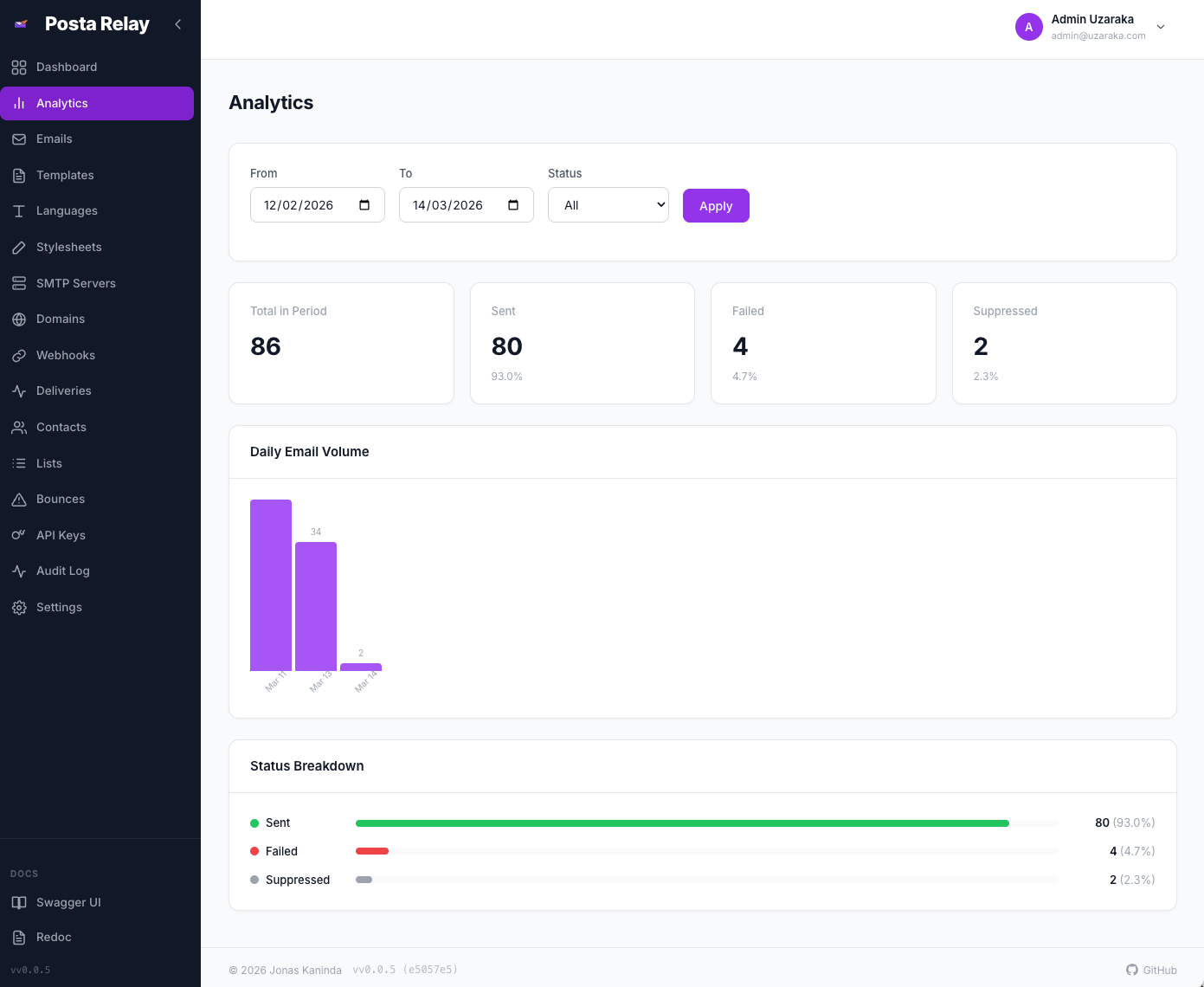
Email Analytics View daily email volume and status breakdown with date filtering.
-
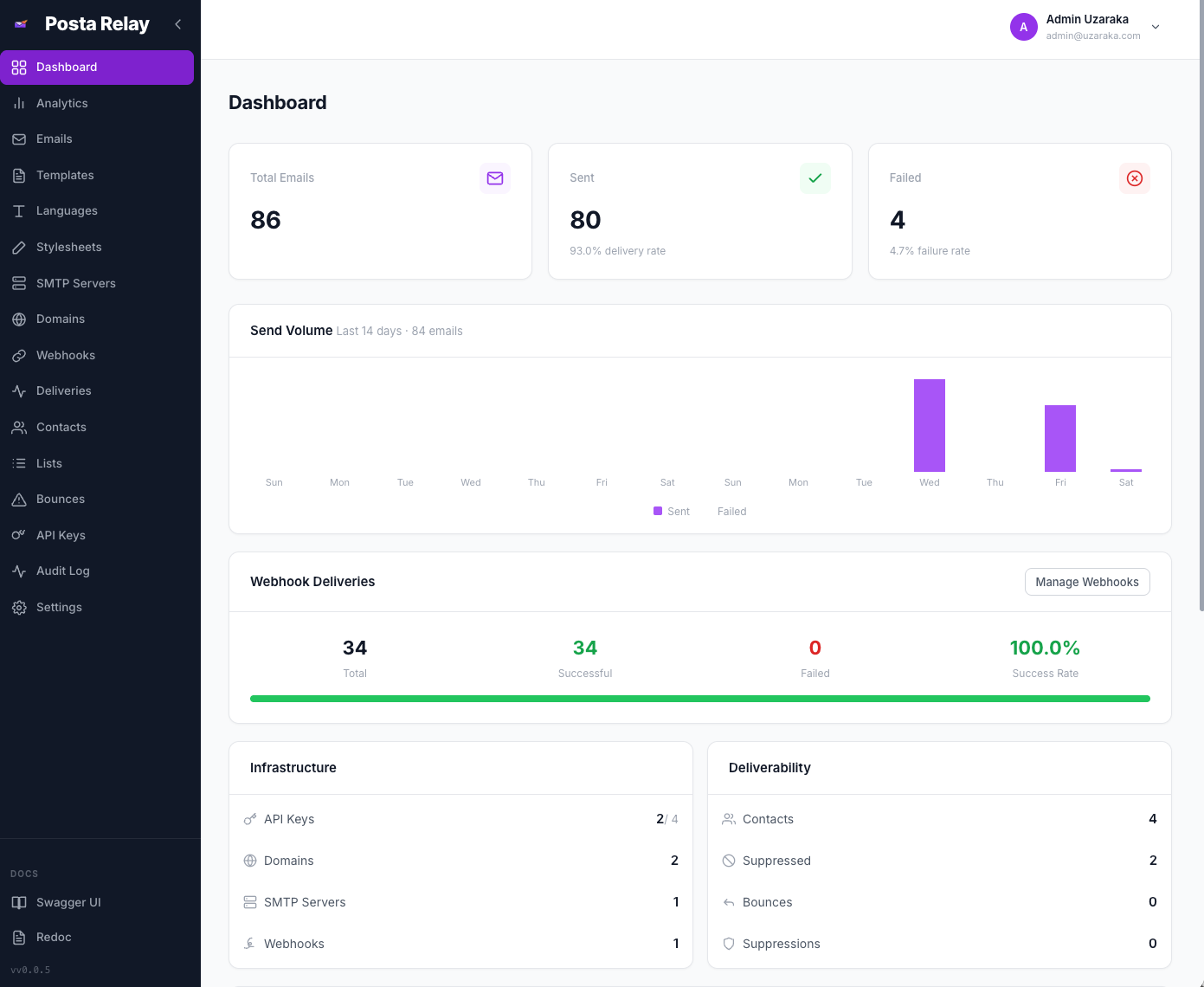
Dashboard Statistics Overview of delivery metrics and recent activity.
-
Prometheus Metrics Export metrics including request counts, latencies, and email delivery counters.
-
Health Probes Liveness (
/healthz) and readiness (/readyz) endpoints.
Admin Panel
-
User Management Create, deactivate, and manage users and roles.
-
Platform Metrics Aggregate statistics across the entire platform.
-
Shared SMTP Servers Manage SMTP servers available to all users.
-
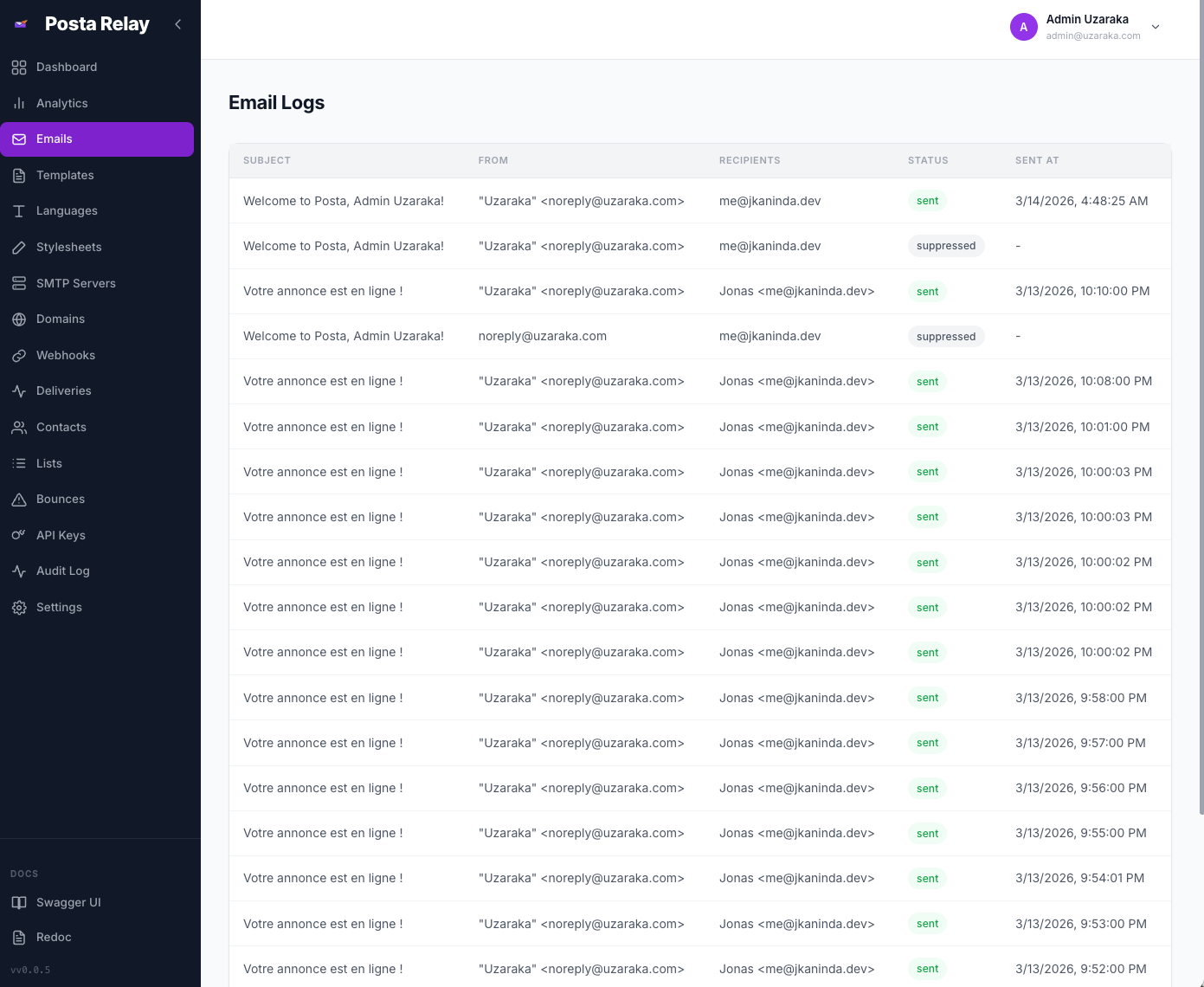
Platform Email Logs View and search emails across all users.
-
Job Monitoring Track scheduled cron jobs such as retention cleanup and reports.
-
Platform Settings Configure registration, retention policies, and bounce handling.
-
Real-time Event Streaming Live audit log updates via Server-Sent Events.
Dashboard
-
Vue.js Web Interface Manage templates, SMTP servers, domains, API keys, contacts, webhooks, and email logs.
-
User Settings Configure timezone, default sender, notification preferences, API key expiration, bounce handling, and daily reports.
API Documentation
- Swagger UI —
/docs - ReDoc —
/redoc
Tech Stack
Frontend
- Framework: Vue 3 with Composition API
- Build Tool: Vite
- State Management: Pinia
- HTTP Client: Axios
Backend
- Language: Go
- Framework: Okapi
- Database: PostgreSQL
- Queue: Redis with Asynq
- Metrics: Prometheus-compatible
Requirements
- Go 1.25+
- PostgreSQL
- Redis
Quick Start
Local Development
git clone https://github.com/jkaninda/posta.git
cd posta

make dev-deps
make dev
make dev-worker
Docker Compose
docker compose up -d
This starts:
- Posta API server
- Background worker
- PostgreSQL
- Redis
Dashboard:
http://localhost:9000
Default admin credentials:
Email: admin@example.com
Password: admin1234
Dashboard
Posta includes a web dashboard for managing templates, SMTP servers, domains, contacts, API keys, and analytics.
Email Analytics
Email Logs
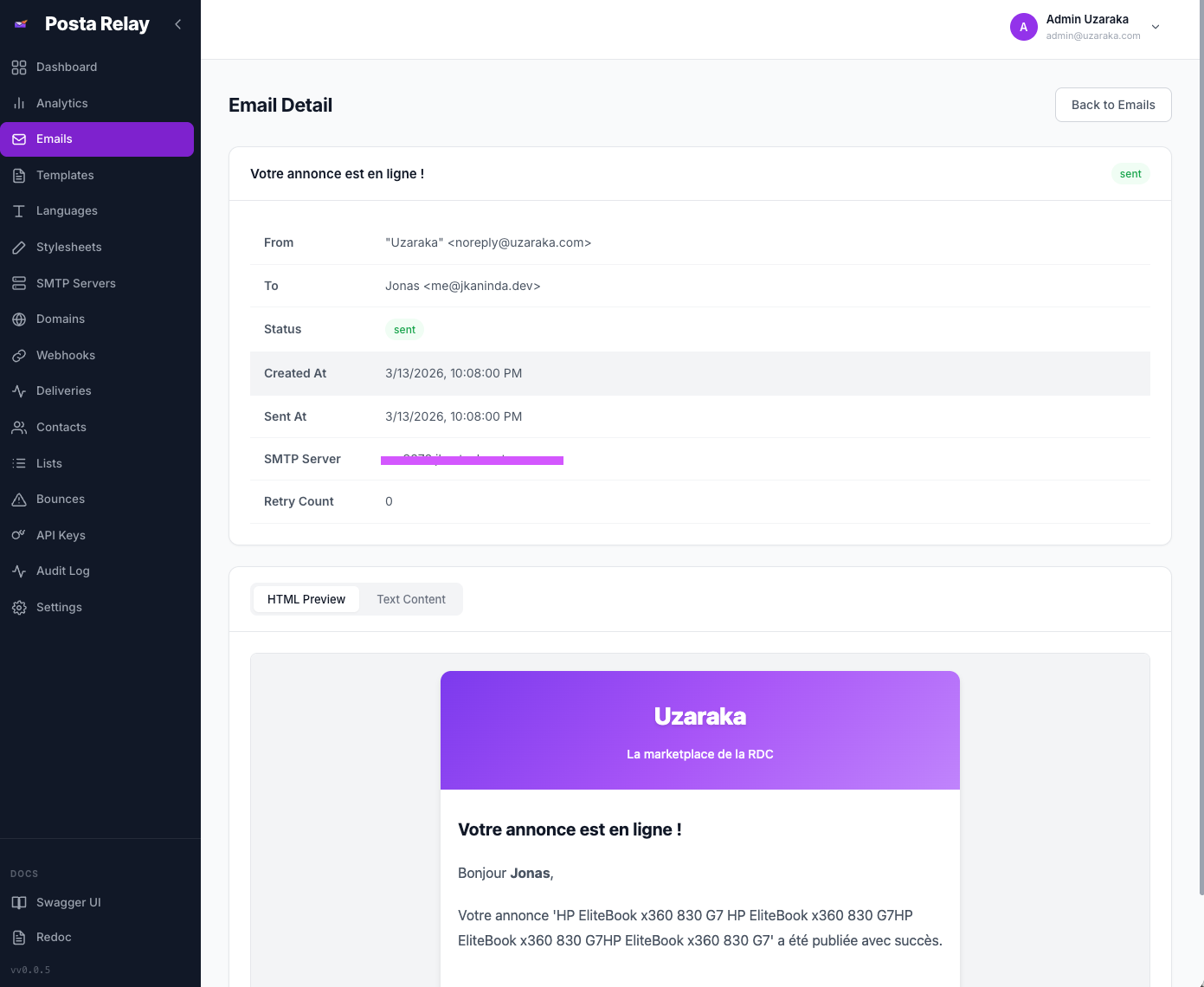
Email Detail
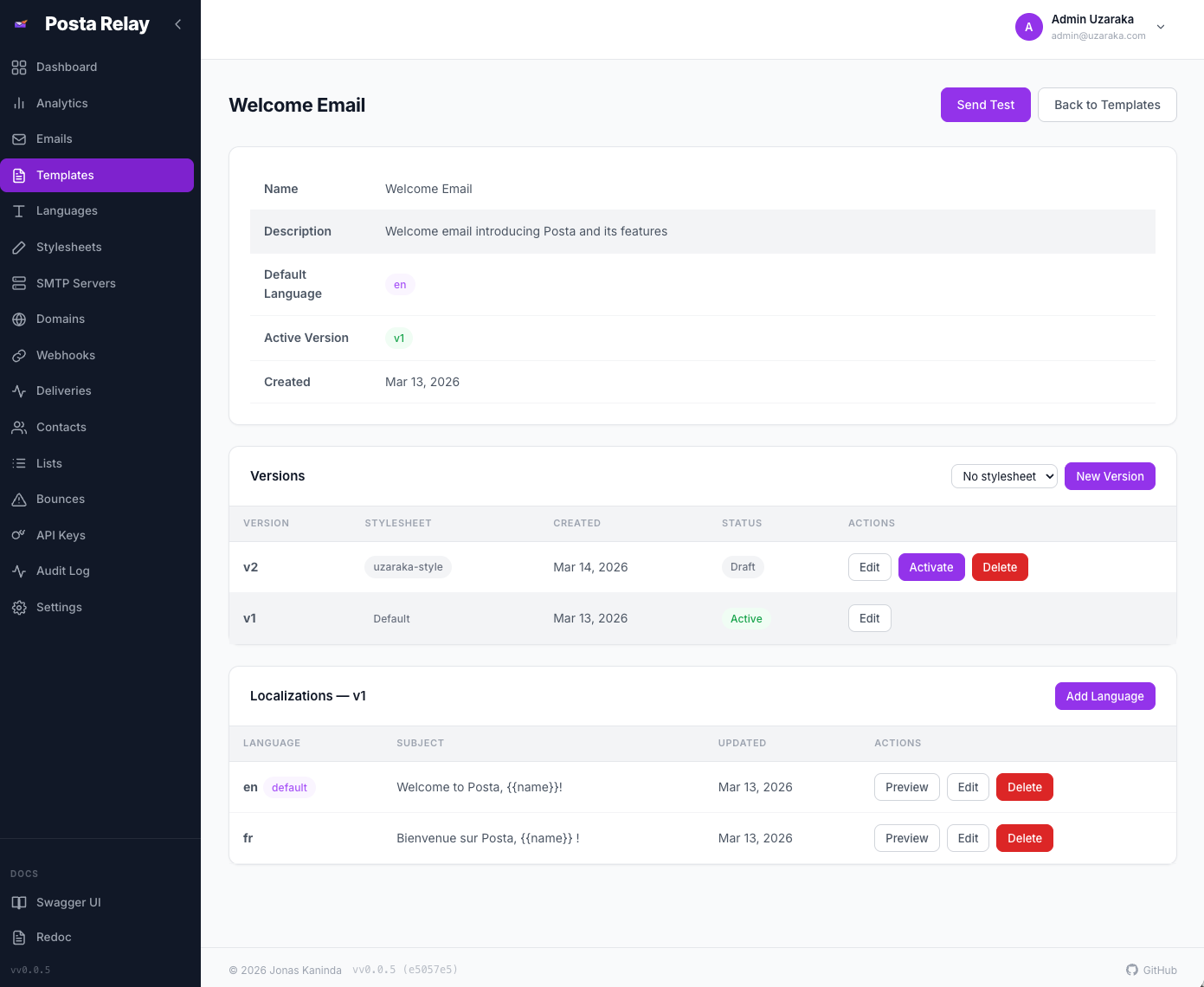
Template Detail
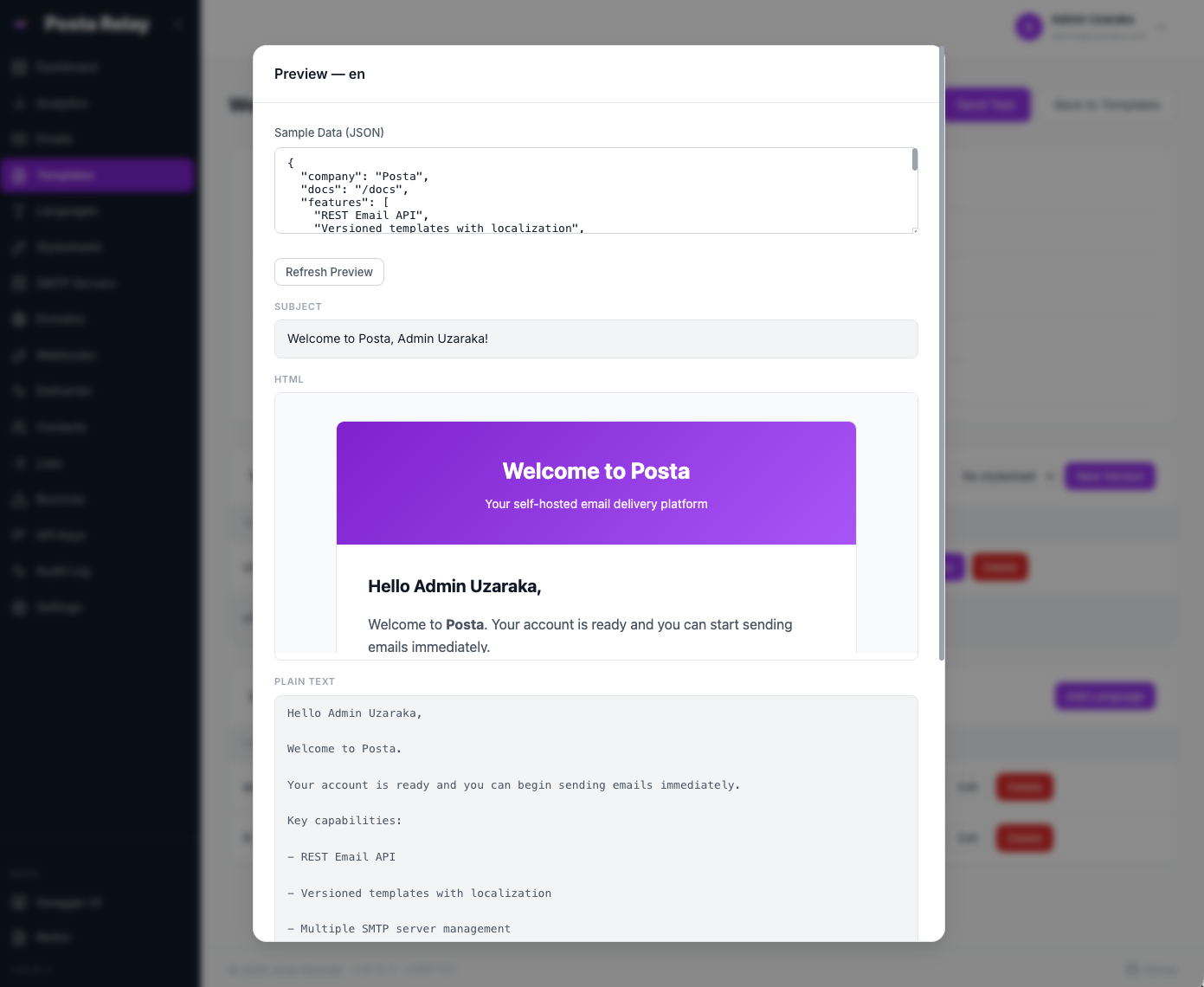
Template Preview
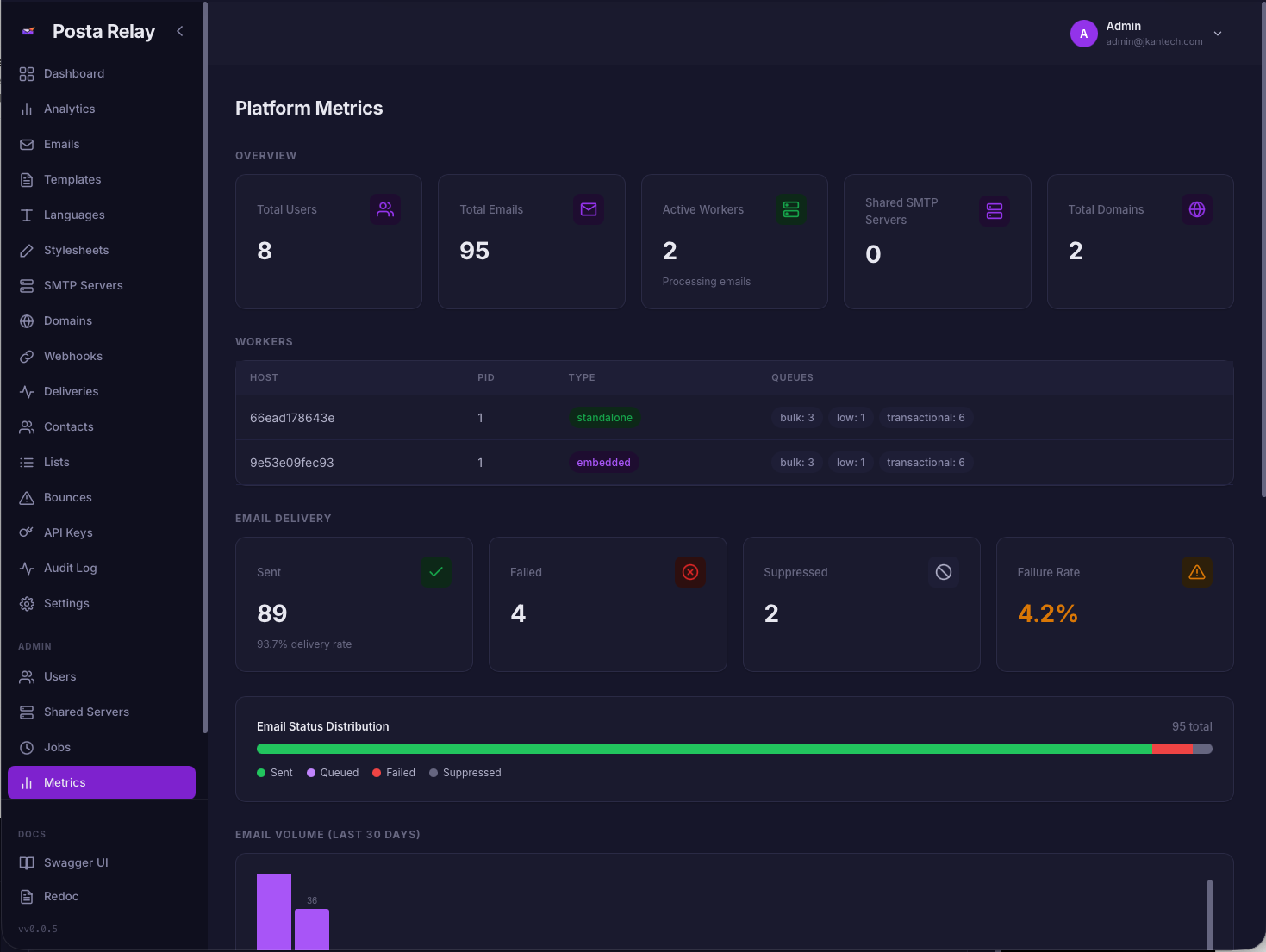
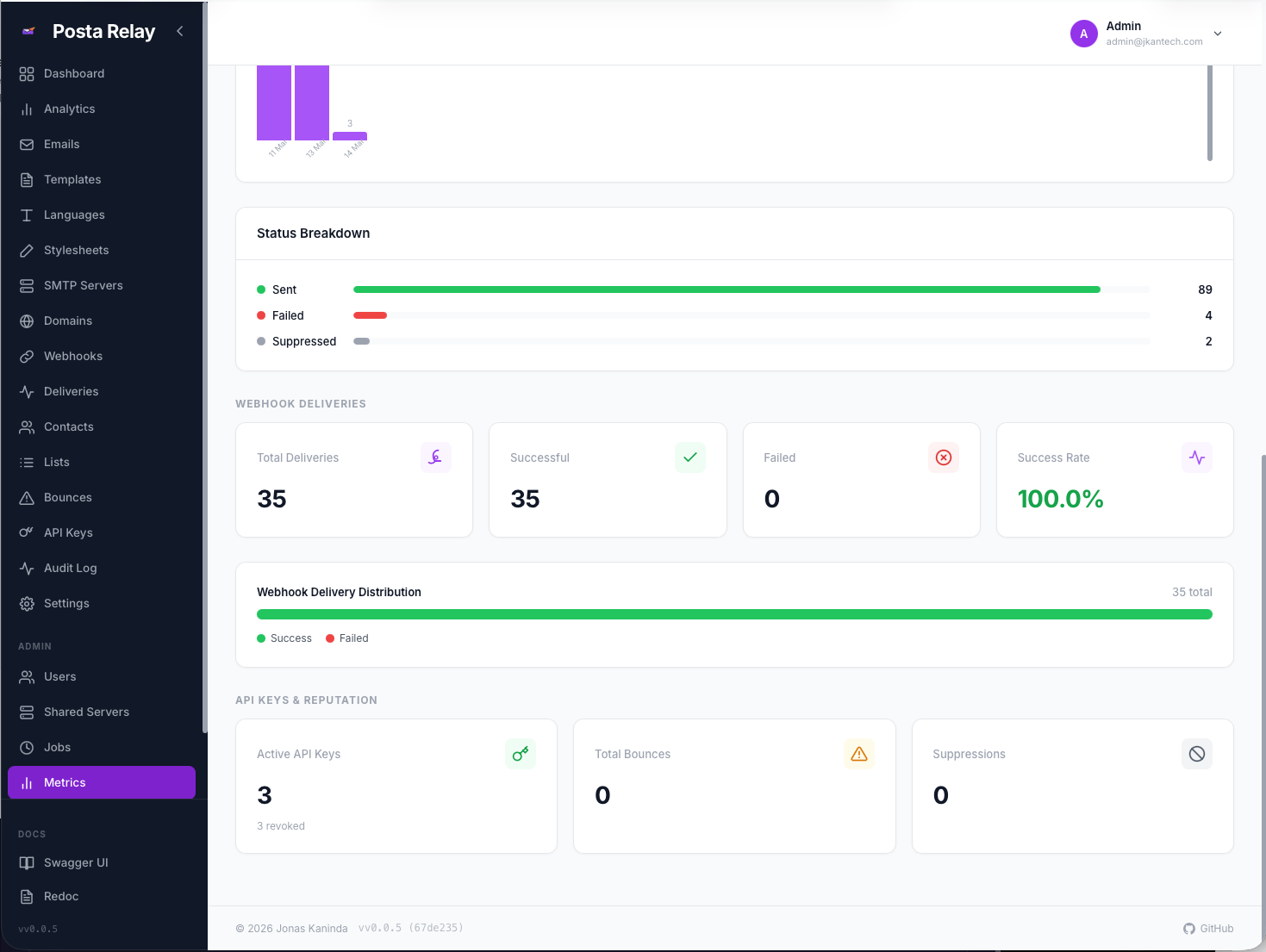
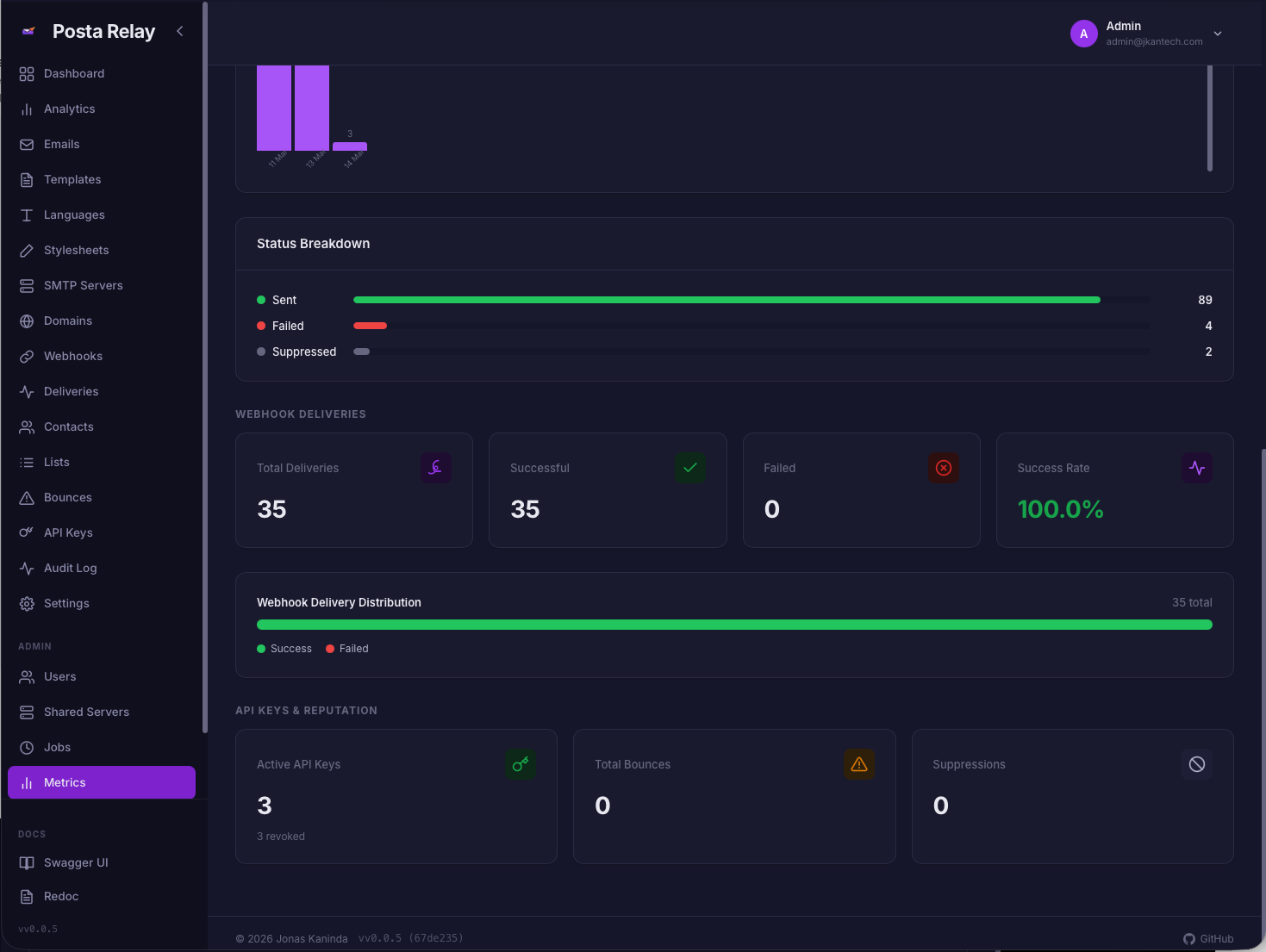
Admin Platform Metrics
Admin Metrics (Light)
Admin Metrics (Dark)
Official Clients
- Go: https://github.com/jkaninda/posta-go
- Php: https://github.com/jkaninda/posta-php
- Java: https://github.com/jkaninda/posta-java
Go Client SDK
An official Go client is available:
Install:
go get github.com/jkaninda/posta-go
Example:
package main

import (
    "fmt"
    "log"

    posta "github.com/jkaninda/posta-go"
)

func main() {
    client := posta.New("https://posta.example.com", "your-api-key")

    resp, err := client.SendEmail(&posta.SendEmailRequest{
        From:    "sender@example.com",
        To:      []string{"recipient@example.com"},
        Subject: "Hello from Posta",
        HTML:    "<h1>Hello!</h1>",
    })

    if err != nil {
        log.Fatal(err)
    }

    fmt.Printf("Email sent: id=%s status=%s\n", resp.ID, resp.Status)
}
Contributing
Contributions are welcome! Please open an issue to discuss proposed changes before submitting a pull request.
License
This project is licensed under the MIT License. See LICENSE for details.
Made with ❤️ for the developer community
⭐ Star us on GitHub — it motivates us to keep improving!
Copyright © 2026 Jonas Kaninda
 Directories