

 README

gofollow
Follow Twitter users based on keywords
Installation
This requires a working Go environment to run. Follow the steps here to install the Go environment.
Once Go is running, you can download and build the application using the following command:
$ go get github.com/kompiuter/gofollow
The executable can then be found in:
%GOPATH%\bin
About
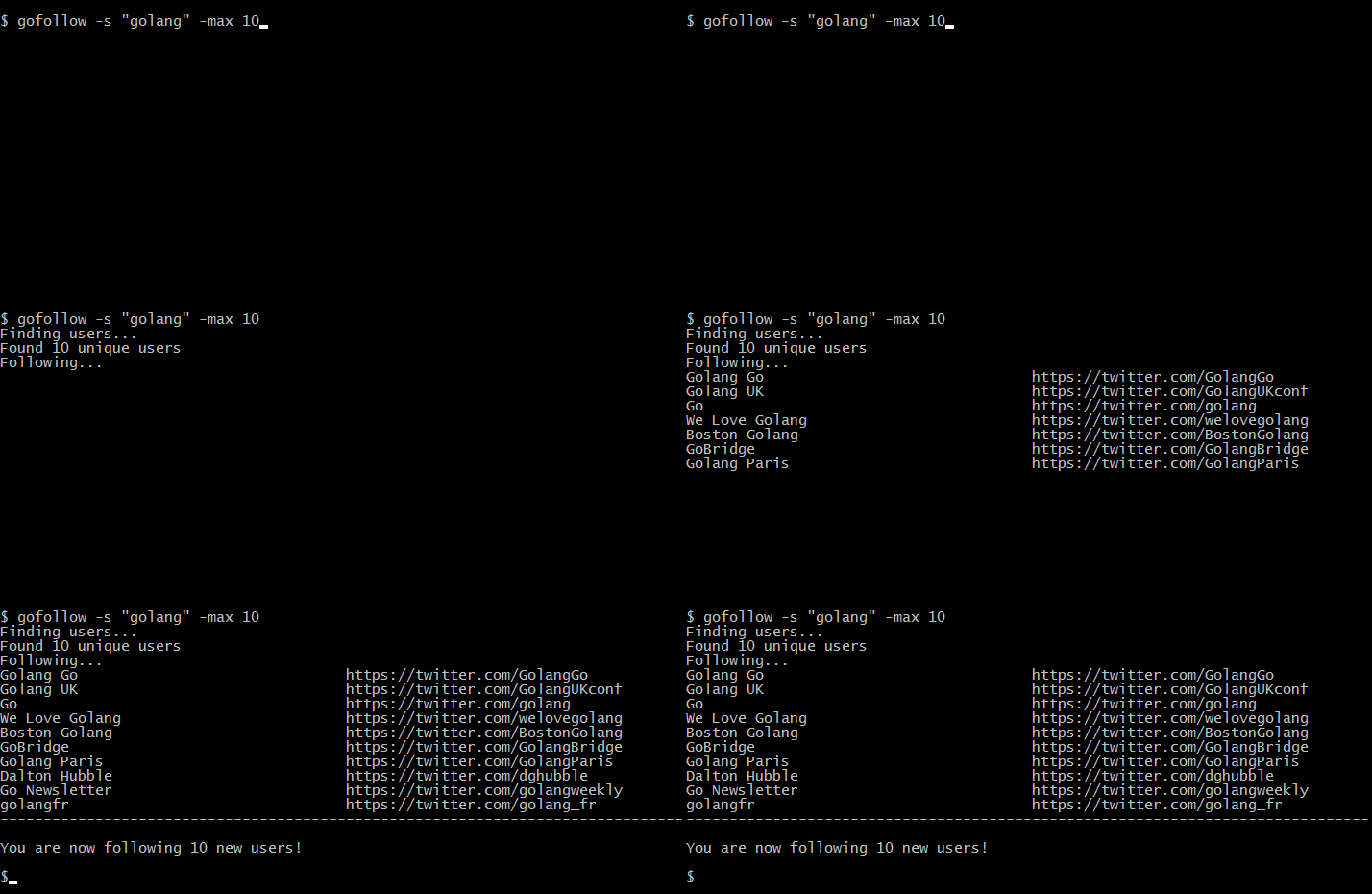
Running this command will go and follow users on Twitter which are related to the search term that you provide. It will prioritise following users based on user search (which tend to be more relevant) and once no more users are found through user search it will find users based on their tweets.
This is one of my first projects in Go so any feedback and/or PR's would be greatly appreciated.
Usage
Get your keys from Twitter, then set the following environment variables:
- TWITTER_CONSUMER_KEY
- TWITTER_CONSUMER_SECRET
- TWITTER_ACCESS_TOKEN
- TWITTER_ACCESS_TOKEN
How to set environment variables in Windows systems and in Unix systems.
To follow users related to Go:
$ gofollow -s golang
By default it will follow a maximum of 50 users. To change the maximum, use the -max flag:
$ gofollow -s gopher -max 15
A hard maximum of 100 exists so that you don't get limited by Twitter (too many API requests/too many follow requests).
Query Operators
You may use any query operator as defined by Twitter to refine your search.
Useful Examples
- Containing both
golangandtutorial:
$ gofollow -s "golang tutorial"
- Containing either
golangorgopher(or both):
$ gofollow -s "golang OR gopher"
- Containing exact phrase
open source:
$ gofollow -s "\"open source\""
-->Character to escape double quotes may differ in your environment<--
 Documentation
 Source Files