

 README

README

bookmark-cd



The fastest way to
cdinto your folder bookmarks that you create on your file manager.
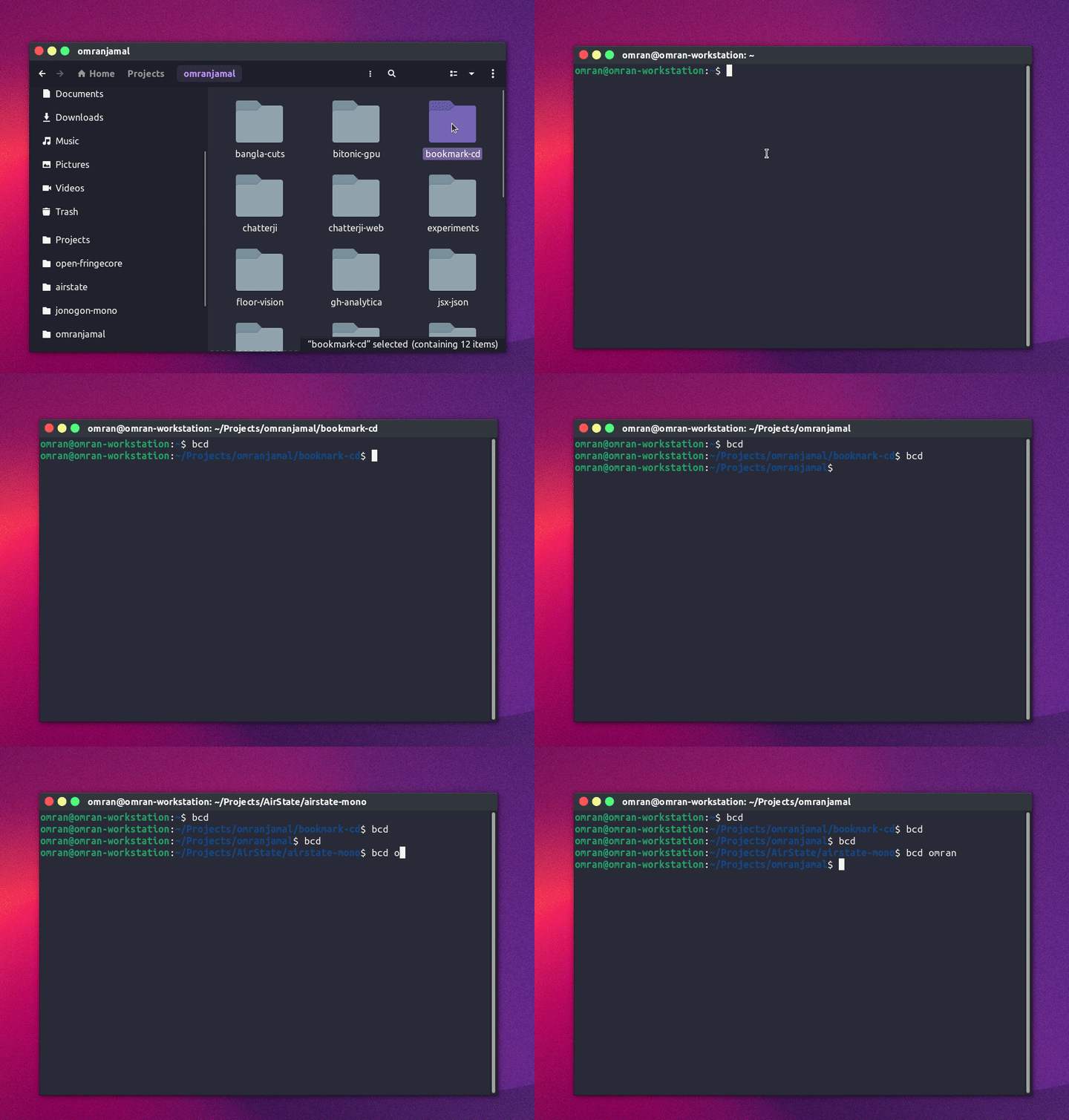
Features
- Interactive
- Fuzzy search
- Non interactive mode for even quicker
cd - Works with:
Usage
# interactive mode:
bcd

# non interactive `cd` if only one match is present.
bcd [search]
Up/Downto select a target bookmark.- Starting typing to filter list of bookmarks.
Installation
Make sure you have curl installed on your system
curl -sL https://github.com/omranjamal/bookmark-cd/releases/latest/download/install.sh -o - | sh -
Manual Installation
# Create installation directory
mkdir -p ~/.local/share/omranjamal/bookmark-cd

# Download the binary (check releases page for all available binaries)
curl -L -o ~/.local/share/omranjamal/bookmark-cd/bookmark-cd https://github.com/omranjamal/bookmark-cd/releases/latest/download/bookmark-cd_v1.1.0_amd64

# Add execution permissions
chmod +x ~/.local/share/omranjamal/bookmark-cd/bookmark-cd

# Add to shell
~/.local/share/omranjamal/bookmark-cd/bookmark-cd --install ~/.bashrc
Setting Different Alias
You can either change the function name in your
~/.bashrc / ~/.zshrc file from bcd to something
else.
OR, you could add the alias in Step 4 from above by passing as the last argument.
~/.local/share/omranjamal/bookmark-cd/bookmark-cd --install ~/.bashrc bookcd
bookcd being the different alias that you want.
Development
git clone git@github.com:omranjamal/bookmark-cd.git

cd ./bookmark-cd

go get
go run main.go
License
MIT
 Documentation

Documentation


There is no documentation for this package.
 Source Files
 Directories
Click to show internal directories.
Click to hide internal directories.