

 README

README


Your terminal watchtower


Sentinel is a host operations platform delivered as a single binary. It gives you a realtime browser interface to manage tmux sessions, monitor services, track alerts, run operational procedures, and recover from failures — all on your own machine.
No Electron. No cloud relay. Just your host and your shell.
Documentation • Releases • Quick Start
Why Sentinel
- One binary, fast setup, low operational overhead.
- Realtime tmux control with session, window, and pane visibility.
- Service monitoring and control for systemd and launchd.
- Alerts, timeline, and metrics for host-level observability.
- Runbooks for executable operational procedures with job tracking.
- Recovery snapshots and restore workflows.
- Guardrails for safer destructive terminal actions.
- Multi-user session support for shared hosts and team environments.
- Optimistic and responsive UI tuned for desktop and mobile.
Core Capabilities
- Tmux — Interactive PTY in the browser with tmux workspace management.
- Multi-user sessions — Run tmux sessions as different OS users with security allowlist and sudo integration.
- Services — Monitor and control systemd/launchd units from
/services. - Alerts — Deduplicated alert feed from watchtower and service health at
/alerts. - Timeline — Searchable operational audit log at
/timeline. - Metrics — System and runtime resource dashboard at
/metrics. - Runbooks — Step-by-step operational procedures with job history at
/runbooks. - Recovery — Session snapshots and restore workflows.
- Guardrails — Safety rules for destructive terminal actions.
- Event-driven updates over WebSocket (
/ws/events). - Service mode and daily autoupdate (Linux/macOS).
- Optional token auth and origin allowlist.
Requirements
- Linux or macOS host.
tmuxinstalled for tmux workspace features.
Quick Start
Install
curl -fsSL https://raw.githubusercontent.com/opus-domini/sentinel/main/install.sh | bash
Open Sentinel
http://127.0.0.1:4040
Validate Runtime
sentinel doctor
sentinel service status
Security Baseline for Remote Access
If you expose Sentinel outside localhost (0.0.0.0), always configure:
tokenallowed_origins
Documentation
Screenshots
Terminal Workspace
Manage tmux sessions, windows, and panes with realtime sync — no terminal tab juggling.

Attach to any pane with a full interactive PTY, right in the browser.

Full terminal control on mobile — touch-optimized with gesture-safe zones.

Ops Control Plane
Services: Monitor and control systemd/launchd services with live status, logs, and one-click actions.

Alerts: Catch failures early with deduplicated alerts from watchtower and service health checks.

Metrics: CPU, memory, disk, and runtime stats at a glance — no external agents needed.

Timeline: Searchable audit log of every operation, alert, and service event on your host.

Runbooks: Executable step-by-step procedures with job tracking and per-step output history.

Settings
Theme, token auth, storage management, and guardrails — all configurable from the UI.

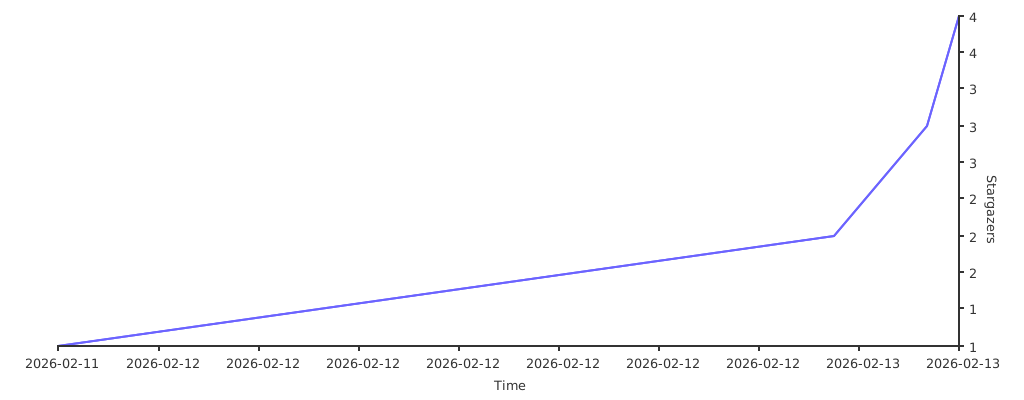
Stargazers over time ⭐
 Directories