

 README

README

mult




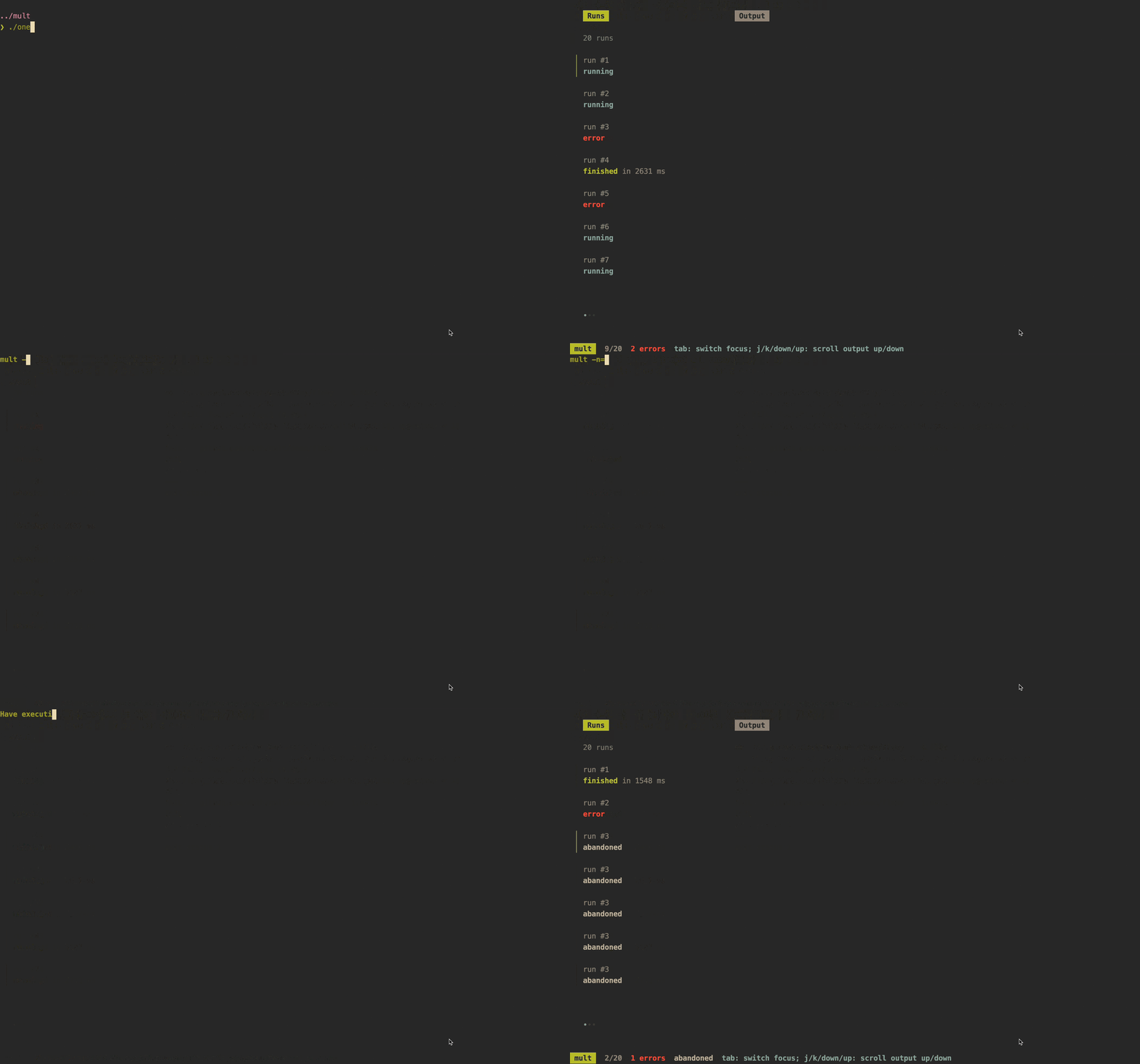
Run a command multiple times and glance at the outputs.
mult command --you=want to run
🧰 Use Cases
mult can come in handy in a few scenarios, such as:
- Investigating inconsistent responses from a web server
- Checking the outcomes of a flaky test suite
- Running quick and dirty performance/stress tests
💾 Installation
Arch Linux:
yay -S mult
homebrew:
brew install dhth/tap/mult
go:
go install github.com/puzzledgran/mult@latest
Or get the binaries directly from a release.
⚡️ Usage
Specify number of runs
mult \
    -n=10 \
    yourcommand --with=flags --and=args as usual
Ask for number of runs
mult \
    -i \
    yourcommand --with=flags --and=args as usual
Run sequentially
By default, mult executes all runs concurrently. Use -s for sequentially
execution.
mult \
    -s \
    yourcommand --with=flags --and=args as usual
Add delay (in milliseconds) between runs
mult \
    -s \
    -delay-ms=500 \
    yourcommand --with=flags --and=args as usual
Stop at first failure
mult \
    -s \
    -ff \
    yourcommand --with=flags --and=args as usual
Note: -delay-ms, -ff only apply in sequential run mode.
 Documentation

Documentation


There is no documentation for this package.
 Source Files
 Directories
Click to show internal directories.
Click to hide internal directories.