

 README

README

thelounge-web-admin
An admin UI for The Lounge, used for configuring the instance.
[!WARNING]
- The admin UI will not support Public Mode because a user system won't exist when it's enabled.
- Unless you are comfortable with using a remote filesystem like
sshfs, Thelounge Web Admin should run on the same box running thelounge.- Make sure to run the service as the same user running thelounge, if you can't (because of e.g. Docker, remote filesystem), you can set the
uidandgidproperties in json config (get the correct values by usingstat /etc/thelounge/)- This is an unofficial project.
Running
Requirements
- The Lounge instance (duh)
- Go (for building)
- A JSON config file, see config.sample.json.
admins: List of thelounge users marked as administrators that can access the admin panelinstanceUrl: URL to your thelounge instancerootPath: Path of thelounge data directory, usually/etc/theloungedbPath: Where to put the web admin's database,/etc/thelounge/tlwa.dbis a perfectly fine location.uid: Optional, the UID to create user files with, must also havegidset (should be the same as thelounge user)gid: Optional, the GID to create user files with, must also haveuidset (should be the same as thelounge user group)
Build
./get_extern.sh
go build .
Run
Progress
- Login process
- Dashboard
- Users
- Uploads
- Logs
- User actions
- Create
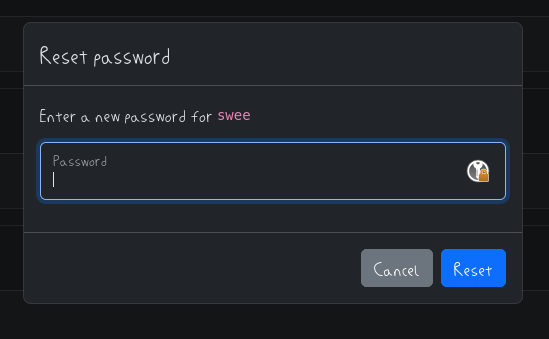
- Reset password
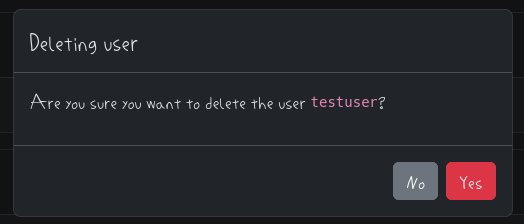
- Delete
- Uploads actions
- Scan
- View
- Delete
- Pagination
- Logs
- List
- Clean
- Migrate
- Export
Screenshots
Login & Logout
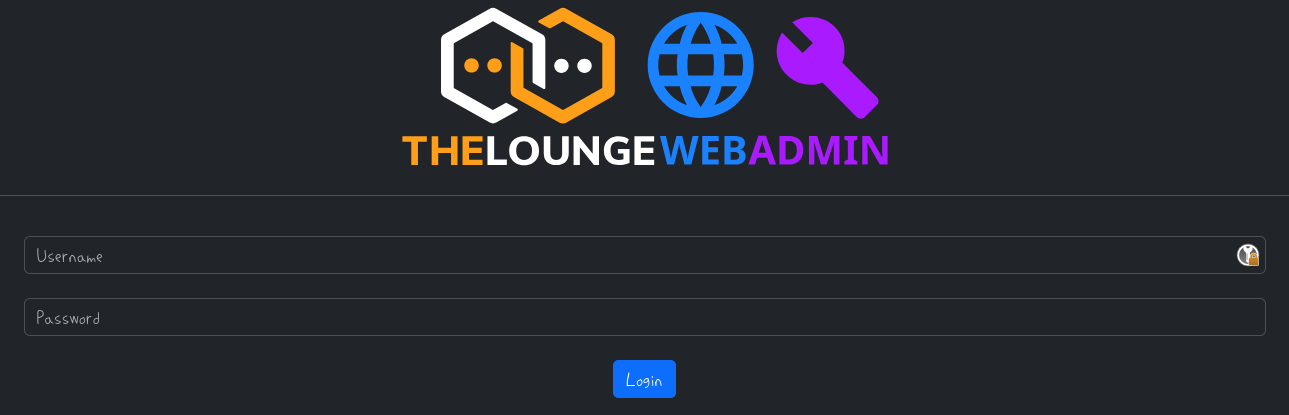
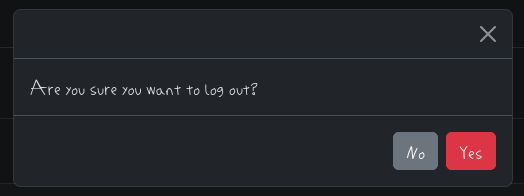
Users
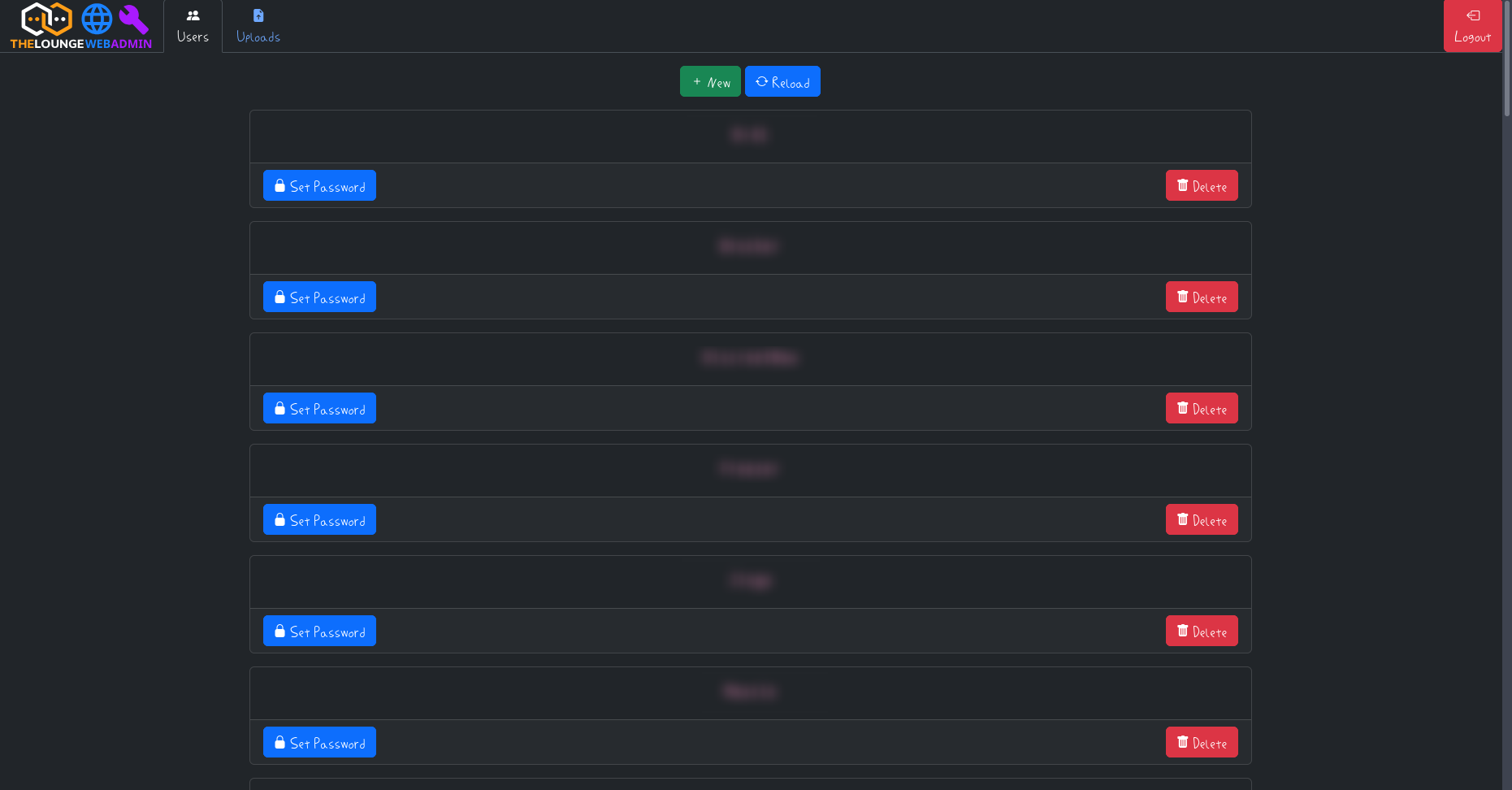
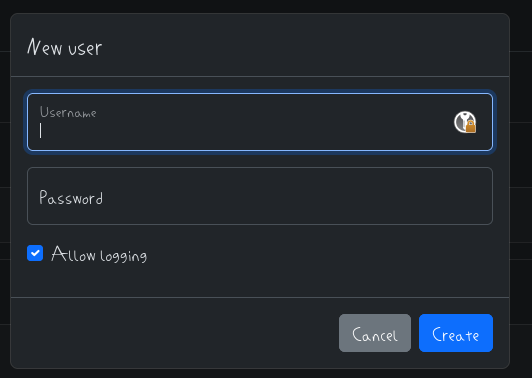
Uploads
WiP
 Documentation

Documentation


There is no documentation for this package.
 Source Files
Click to show internal directories.
Click to hide internal directories.